 VideoCrop
Cutting and compressing
media made easy
Trim your clip, crop out the junk, and VideoCrop shrinks it to fit Discord, WhatsApp or wherever it's headed. Free, tiny, no fiddling with settings.
Pick where it's going.
Also: ARM64 installer · portable x64 · portable ARM64
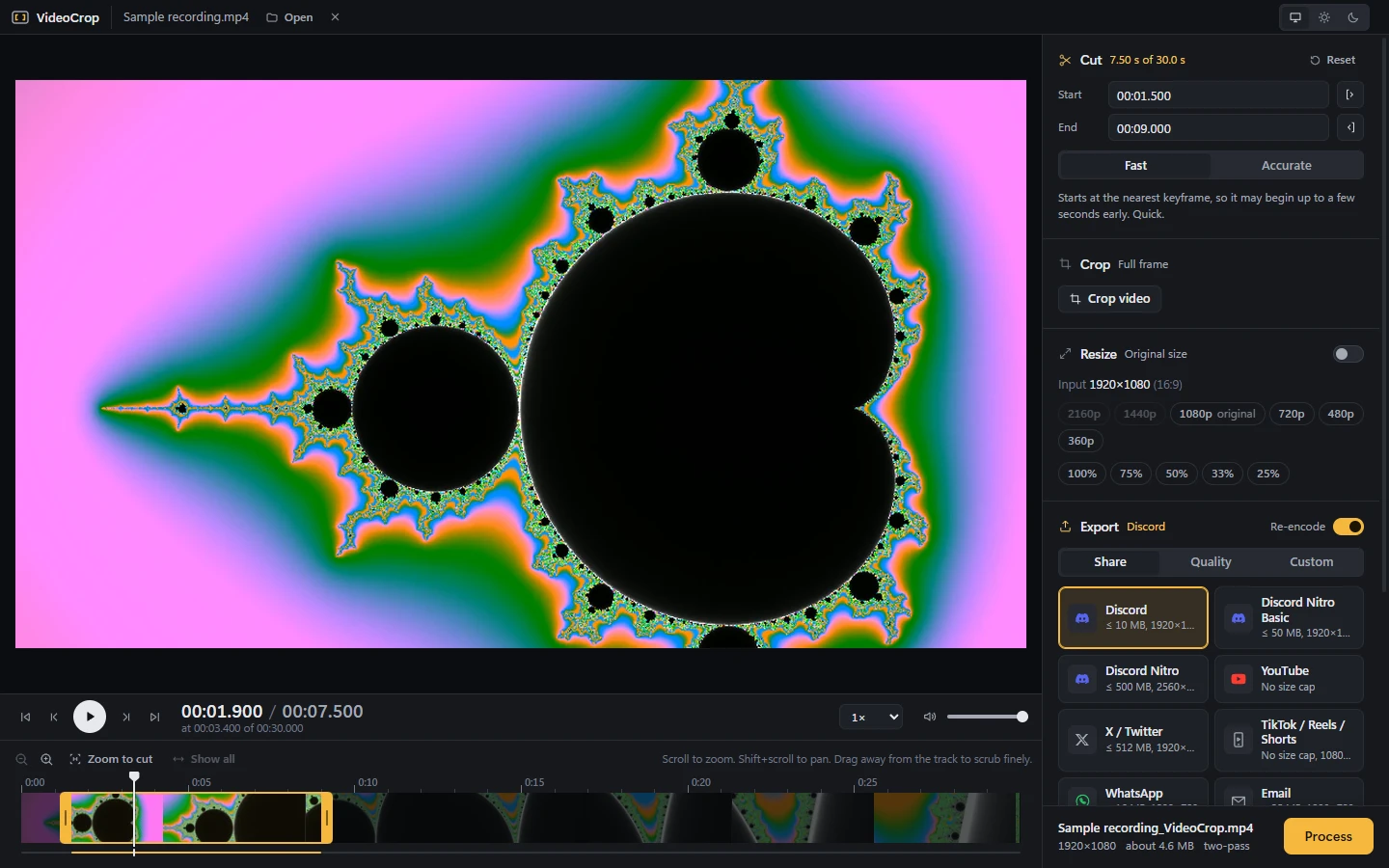
- The Discord preset is selected: one click caps the export at 10 MB with two-pass encoding.
- The size estimate (about 4.6 MB here) is shown before you hit Process.
How it fits
A size cap, turned into a plan.
You pick where the clip is going. VideoCrop works out how many bits that leaves, picks a resolution that still looks good at that rate, then encodes twice so the file lands just under the line.
1Budget the bitrate
The cap divided by the clip's length is the bitrate you can afford. Audio takes its share first.
2Walk down the ladder
Too few bits for 1080p means mush. It steps down until the picture holds up, and never upscales.
3Encode in two passes
Pass one reads the whole clip. Pass two spends bits on the busy fights and saves them on the menus.
Share presets
Eight places a clip goes. One click each.
Each preset knows its app's limit. Capped ones use two-pass to land under it. Want full control instead? The Quality and Custom tabs take H.264, H.265 or AV1, CRF, bitrate, target size and 10-bit.
The rest of the kit
Trim it, frame it, then send it.
Cut
A zoomable timeline with a filmstrip. Drag away from the track to scrub slower, or type exact times. Choose frame-accurate or an instant keyframe cut.
Crop
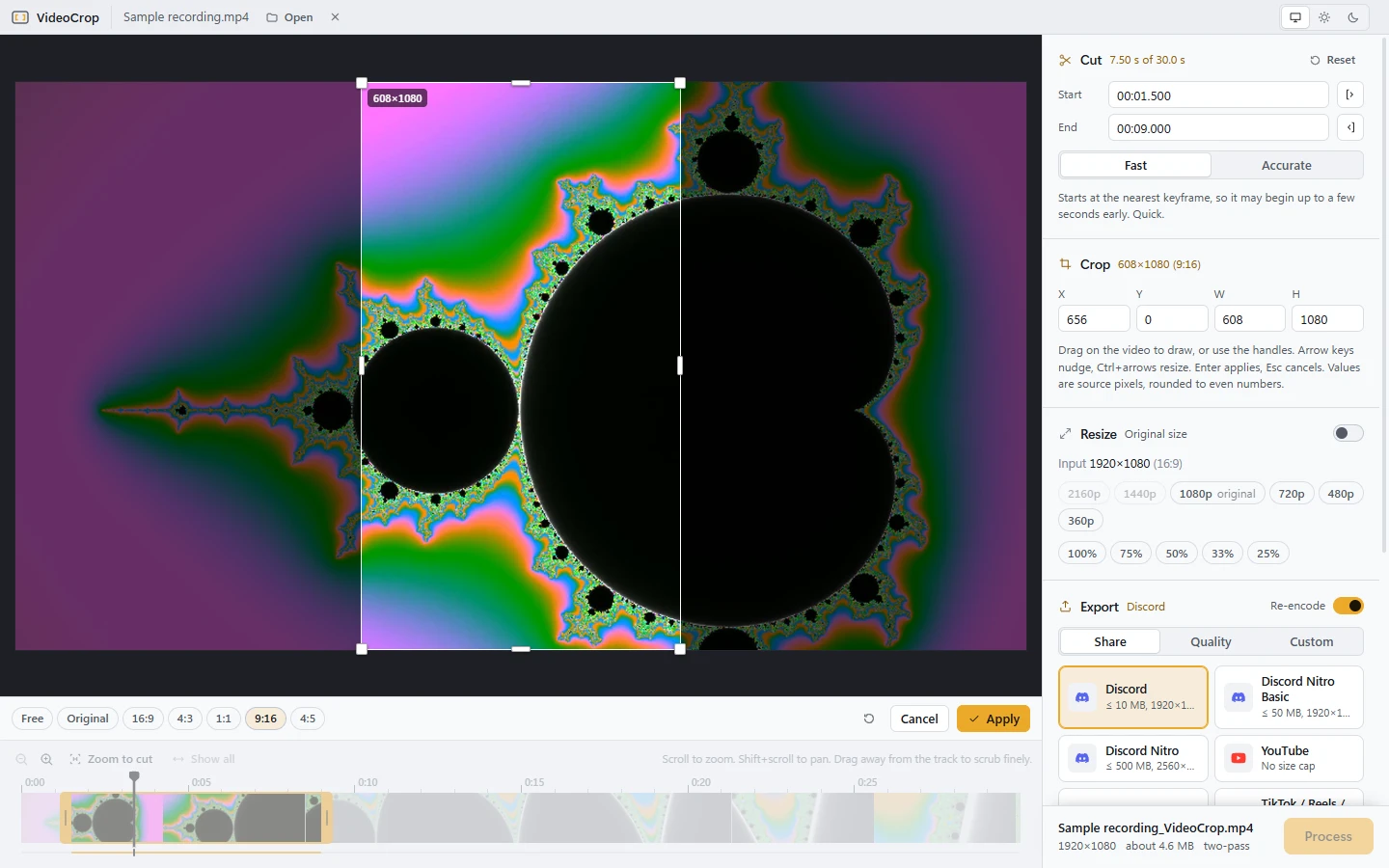
Frame it on a full-resolution still with a live preview. 16:9, 4:3, 1:1, 9:16, 4:5 or the original aspect.
Resize
Aspect lock, 75, 50 and 25% options, and height presets that never upscale.
Plays everything
Multi-hour OBS recordings in HEVC, AV1 or MKV open instantly. Files Windows can't decode stream through a GPU preview. The export is always made from the original.
Private
Runs locally with ffmpeg. No telemetry, no uploads. It uses your ffmpeg if one is on your PATH, or downloads one once.
Light or dark
Both themes, a 5 MB app that opens instantly, and a popup when a new version is out.
Your next clip fits.
Free for Windows 10 and 11. About 2 MB to download.
Download for Windowsv3.0.0 · x64 · 2.0 MB